
What should we cook this week?
Save recipes from anywhere, plan the week, and shop from one list.


How it works
From “ooh, that looks good” to dinner
Save from anywhere
Websites, Instagram, TikTok, YouTube, a screenshot, a cookbook page or a handwritten family card. Ads and life stories stay behind; the recipe comes out clean.
Any recipe siteInstagramTikTokYouTubePhotos & PDFsHandwritten recipesPasted text

Plan the week
Put dinners on the calendar and the week is decided once, on Sunday.
Shop one list
Everything you plan lands on one grocery list, sorted by aisle.
Plan with Claude or ChatGPT
Connect your AI assistant and plan from your own recipes. Free on every plan.

Cook without the scroll
One step at a time in big type, with timers, scaled servings and the video right there.
In testing now
Cookmarks for iPhone and Android
Your recipes, your week and your grocery list in your pocket. Save from any app's share sheet, cook with big step-by-step text, and check things off in the store. We're letting testers in a few at a time.
Join the betaCreate a free account, then tap “Join beta” at the top of the app.


Free to start. Cheap to keep.
Free
$0forever
- Keep up to 40 recipes
- 5 social imports (Instagram, TikTok, YouTube)
- Meal planning and shopping list
- Connect your favorite AI assistant
- No ads, ever. Export anytime
Pro
$29.99per year
- Unlimited recipes and cookbooks
- Unlimited social media imports
- Unlimited photo & PDF imports
- Built-in AI cooking assistant
- Impress your friends and family (probably)
Frequently asked questions
Can't find what you're looking for? Feel free to reach out.
Almost any recipe website, plus Instagram, TikTok and YouTube posts, screenshots, photos or PDFs of cookbook pages, and pasted text. A few publishers block every automated reader; when that happens we tell you and you can paste or snap the recipe instead. How saving works →
Both are in testing. Create a free account and tap “Join beta” at the top of the app, and we’ll send an invite. The website works well on phones in the meantime.
Yes, with no trial clock. The free plan keeps up to 40 recipes and 3 cookbooks, includes 5 social imports (Instagram, TikTok and YouTube), the meal planner, the shopping list and the Claude/ChatGPT connector. Upgrade to Pro when you want unlimited recipes and imports.
Yes. Export or print your recipes any time, on any plan. Your recipes are yours.
Always. Every recipe links back to its source and shows the creator’s name, and videos play from the creator’s own channel.
Yes. Coming from Paprika? Import your export file from Settings. Coming from Mealime? Follow our step-by-step switcher. From anywhere else, paste each recipe’s link, or snap or paste the recipe itself. Leaving Mealime? Start here →
Your next favorite dinner is already out there.

Chicken Fricassée
RecipeTin Eats · 1h 20m
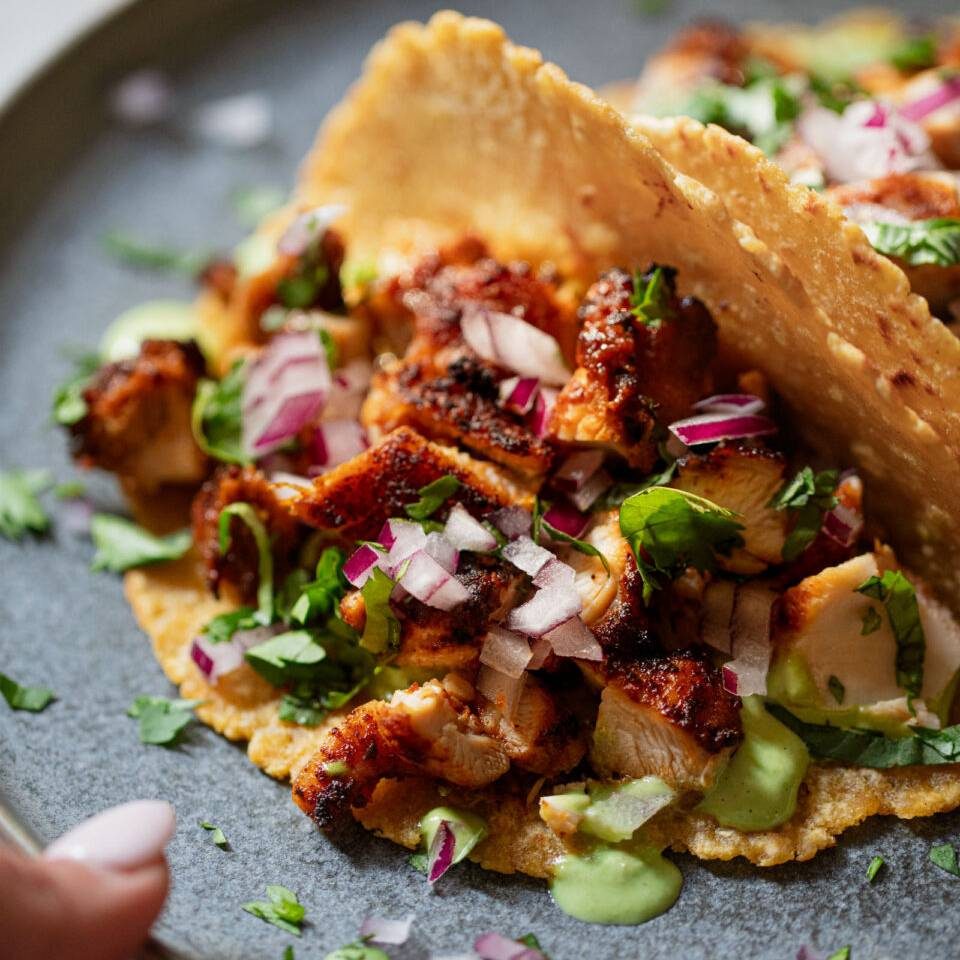
Ridiculously Good Chicken Tacos
Pinch of Yum · 22m
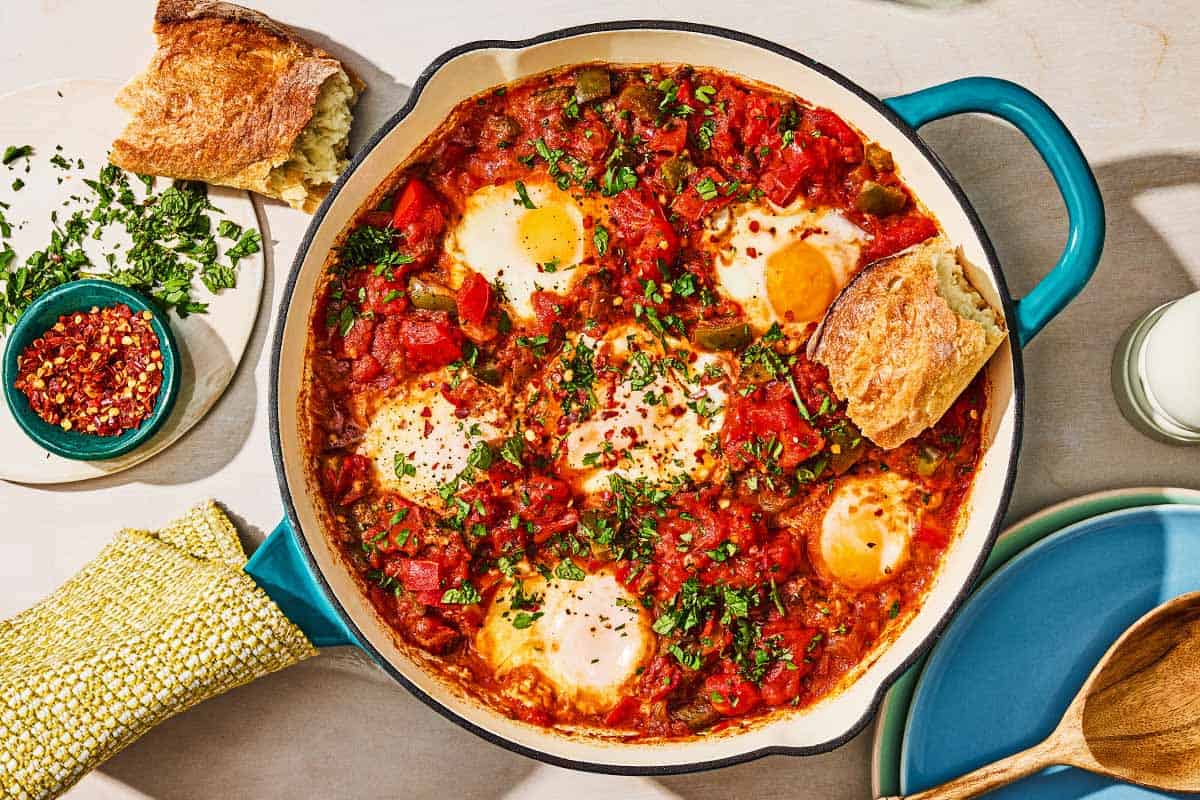
Shakshuka
The Mediterranean Dish · 30m

Red Wine Braised Pot Roast
Half Baked Harvest · 4h 15m
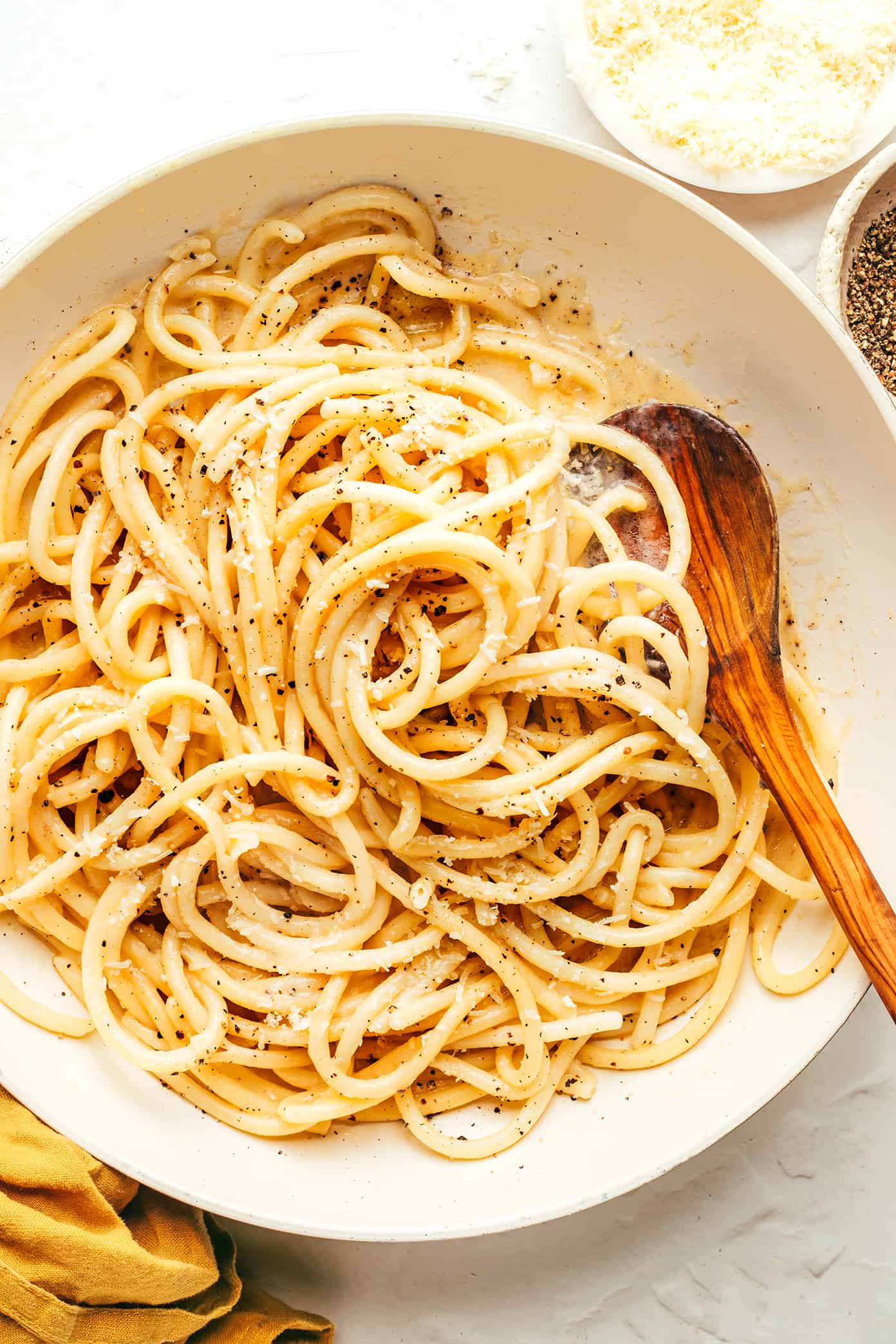
Cacio e Pepe
Gimme Some Oven · 30m

Lemon Bars
Well Plated · 1h

Creamy Chicken and Cauliflower
Damn Delicious · 55m

Crispy Roasted Chickpeas
Love and Lemons · 25m

Ground Beef and Broccoli
Carlsbad Cravings · 30m